Tuesday, April 3, 2018

How to get your cheap, genuine, working Windows Server Data 2016? Find out in this #review.


Hello guys! Today I’ll be sharing to you my amazing discovery. This is like a treasure found! Lol!

I’m talking about the Product Key Philippines.[ https://www.productkey.ph ]


This company is a legit seller of Windows product keys. (I can guarantee as I tried buying one from them :P ). What’s the use of these product keys? Well, if you are to install a certain software/operating system in your computer, you will be asked for an activation key before you can use it, and the features it offers.

One good example is the Windows Server Data Center 2016. Nagcanvass ako ng price neto sa market. To my surprise, some stores offer me a complete package installer for around 250,000. Seriously? This is too expensive for me. Upon further canvassing, I learned that the complete package includes the installer, bootable device, the manuals, terms and conditions, and the box. I mean, how could this be too expensive if you can actually view and download the manual, instructions etc., online? Nawalan ako ng confidence na bumili because of the price. Until I discovered this amazing company. Ito nga yung Product Key Philippines

You won’t believe their price. Parang yung ex ko, di kapani-paniwala, pero totoo din naman LOL.

They are selling the product key/activation key for only….
9,880.00.

That’s right, folks! As I told you, this is one of my amazing discoveries so far :D
Of course, I was skeptical at first. But upon reading the reviews on their facebook page,[ www.facebook.com/productkey.ph ]and their official website, I got high hopes that this is really a genuine product key.

What’s more interesting is that they actually offer “Install now, pay later” payment scheme. This, for me, is a good idea. Because of the difference of the price from the market, some of us will surely be skeptical to buy one from them. So, installing the product before paying them will lessen the worries of customers about their legitimacy, right?

Learn more about this payment option by clicking this link >>> [ https://productkey.ph/install-now-pay-later/ ]

Anyway, here’s my activated Windows Server Datacenter 2016.

See? Not only they are true to their words, they really are selling CHEAP product keys!! By the way, unlike their other products, this Windows Server Datacenter 2016 has lesser demand, so they sent me the product key 48 hours after I ordered. Maybe because they make only few of these available?

Help me recommend this company by sharing this blog, their link [ https://productkey.ph ] or by spreading the words to your friends, relatives, and co-workers. By doing this, we are helping them to avail a cheap software and operating system. We are also doing a favor for Product Key Philippines to keep up their good business (and hope that they make it cheaper in the future) LOL!!


xx


Monday, February 12, 2018

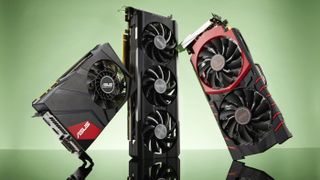
Best graphics cards 2018: the best GPUs for gaming

Best Graphics Cards

These days, in the realm of the best graphics cards, we’ve been facing quite the conundrum. While sales for Nvidia are up, that also means that the best graphics cards are in high demand. This means that it’s nearly impossible to buy a graphics card (GPU) at the manufacturer’s suggested retail price (MSRP), due to cryptocurrency mining and the unprecedented growth of PC gaming. For anyone who isn’t hip to cryptocurrency – a lot of people are buying GPUs in bulk to try to make a quick buck by mining Bitcoin, Ethereum or even Dogecoin.

PC gamers are then faced with a difficult dilemma. Do we wait for the best graphics cards to fall within our price range? Or do we wait for the Nvidia Turingseries with its rumored GDDR6 Memory? Maybe you’ll be able to sell your graphics card in a few months to make back some of your cash. Until then, however, you can use the best graphics cards to play the latest, most demanding games, like Final Fantasy XV and Far Cry 5.
And, it’s certainly an odd time for the best graphics cards, as we’re left waiting to see what the next products from both AMD and Nvidia are going to look like, as AMD’s recently introduced Radeon RX 500X Polaris GPUs aren’t exactly exciting.
However, you need to keep in mind that the market for the best CPUs is dense and packed with a wide variety of solutions. That’s why we’ve created this list of the best graphics cards you can buy today, so you’ll be able to find exactly what you need. We’ve culled through the dozens of cards we’ve used over the last year or so and picked the ones that truly stood over the rest. So, no matter who you root for in the perennial war of Nvidia vs AMD, we’ve found the best graphics cards for every use case. Because with GPU prices at a record high, you want to take as much stress out of GPU shopping as you can.

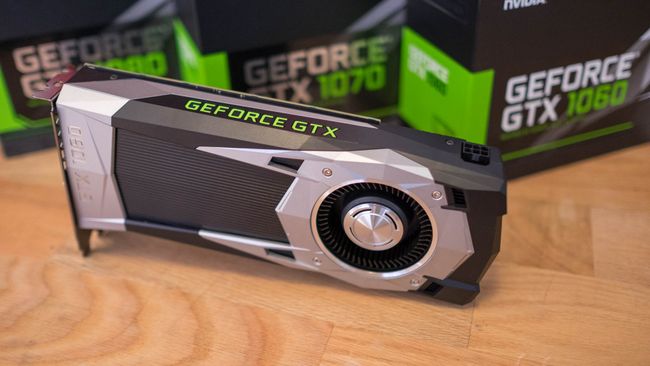
Best graphics card: Nvidia GeForce GTX 1060

The best GPU to start PC gaming
Stream Processors: 1,280 | Core Clock: 1,506MHz | Memory: 6GB GDDR5 | Memory Clock: 8Gbps | Power Connectors: 1 x 6-pin | Outputs: 3 x DisplayPort 1.4, 1 x HDMI 2.0, DL-DVI
As we’ve explained before, the best graphics card is going to be the one that offers the most bang for the buck. As such, it’s our consensus that the Nvidia GeForce GTX 1060 is far and away the best graphics card when it comes to sheer value. For a modest sum of cash, this GPU lets players experience full HD 1080p and – maybe with a bit of overclocking – 1440p and even 4K gaming. However, the GTX 1060 doesn’t support SLI, so you’re limited to just one card. 

Best 4K graphics card: Nvidia GeForce GTX 1080 Ti

Titan X performance without the Titan X cost
Stream Processors: 3,584 | Core Clock: 1,480MHz | Memory: 11GB GDDR5X | Memory Clock: 11GHz | Power Connectors: 1 x 6-pin; 1 x 8-pin | Outputs: 3 x DisplayPort 1.4, 1 x HDMI 2.0


Sunday, January 7, 2018

The state of web browsers in 2018

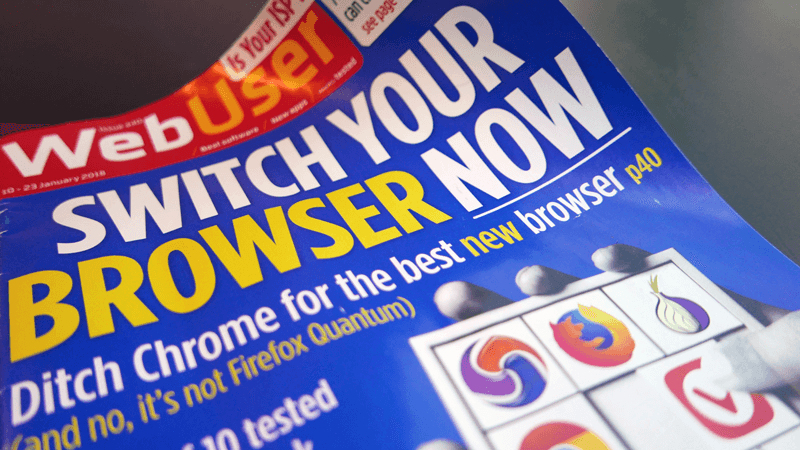
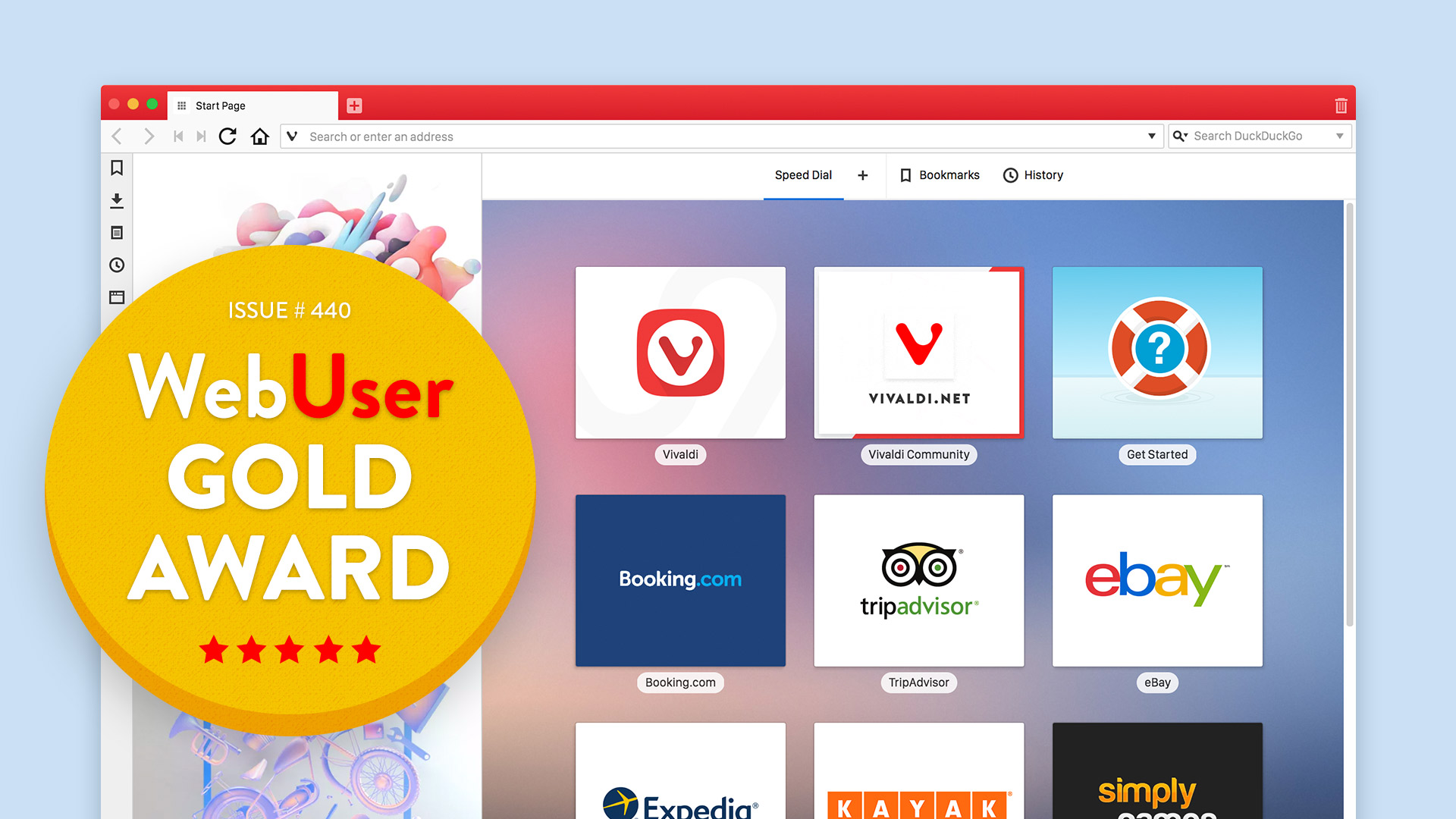
In its first edition of 2018, the UK’s Web User magazine featured a roundup of browser options on offer and awarded their stamp of approval to a lucky few. We spoke to editor Robert Irvine to get his thoughts on the state of browsers.
webuser-gold-award

Many of you would agree that a web browser is the most important software on the PC. That is why it’s important to make sure you’ve always got the best tool to browse and do the job. In their January edition, Web User magazine did a cover feature on the state of browsers and ranking the options out there.
We got talking with Web User’s editor, Robert Irvine, on why they chose to go in-depth on browsers in their first edition of the year. A tête-à-tête with Robert on the state of browsers in 2018 reveals much more. As many of you may not have gotten your hands on a hard copy of the magazine, we decided to bring the conversation to you. Read on for the full chat.
What made you choose to talk about browsers in your recent edition?
Our readers aren’t the type to stick with the default software on their devices, and they especially love to try new browsers and add-ons to make their online activities quicker, easier and more rewarding. We thought that the beginning of a new year seemed like the perfect time to publish a round-up of the best browsers currently available, and encourage our readers to try something new.
In your editor’s note, you have mentioned “Make browsing more arousing”. Would you want to elaborate on this?
Apart from the rhyme in the title, I wanted to convey that a browser can be much more than a means of just accessing web pages, and that the best browsers now come with all manner of useful tools and technology for enhancing your time online.
Back in the days of Windows 98, as you mentioned, people didn’t really care about browsers. How have things changed now?
When Internet Explorer ruled the browser market and came as part of Windows 98, most PC users just accepted it as the quickest and easiest way to get online, and its integration with the operating system gave them no reason to seek out alternatives. Nowadays, there’s a lot more choice, installing different browsers is much simpler and you can happily run more than one browser, and switch between them as required.
What compelled you to talk about browsers as your cover feature?
We’ve previously published cover features about Chrome and Firefox (and even Internet Explorer back in the day!), but for this issue we wanted to celebrate the diversity of the current browser market, and the quality of tools now available.
Which browsers did you cover?
We covered 10 Windows browsers in total, in alphabetical order: Brave, Chrome, Edge, Epic, Firefox, Maxthon, Opera, Pale Moon, Tor and Vivaldi. We didn’t cover Safari or mobile browsers for this particular feature but hope to in future.
What were the criteria on which they were pitted against each other?
We compared the browsers’ ease of use, their built-in features (especially privacy tools), their customisation options (add-ons, themes and so on) and their performance, using the online benchmarking tool Speedometer. We then gave each one an overall score, with the top three browsers earning Gold, Silver and Bronze awards.
What was the verdict?
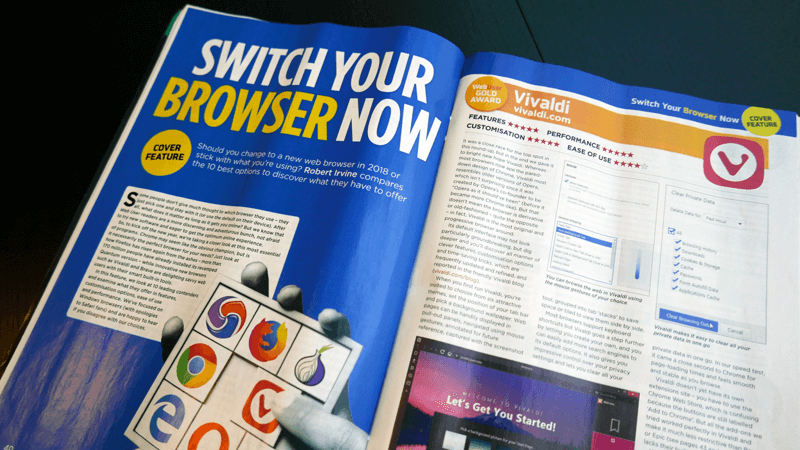
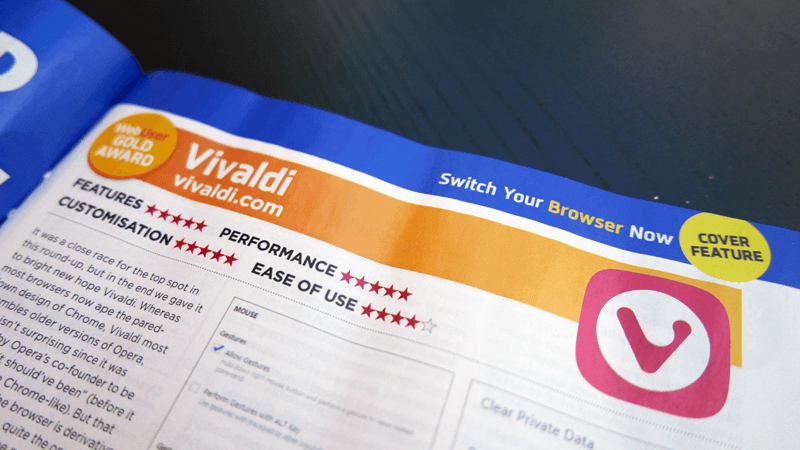
Vivaldi was our top-rated browser and won our Gold Award, with Chrome and Opera in second and third place respectively.
Why did you vote Vivaldi as the best browser?
We were extremely impressed by Vivaldi’s speed, by its ever-expanding array of innovative features, by the level of customisation it offers users, by its friendly development team and online community and by its attractive interface, among other reasons. We also liked that Vivaldi supports Chrome extensions and that it makes managing your online privacy very straightforward.
Was it a tough decision? What was the deciding factor that you gave the Web User Gold Award to Vivaldi?
As we say in the feature, it was a close race between Vivaldi and Chrome, but ultimately we opted for innovation over ubiquity. Vivaldi was one of the only browsers we reviewed that is actively looking forward and constantly adding useful new tools, rather than fixing things that should have worked properly in the first place. In our speed tests, Vivaldi and Chrome easily topped the chart, but we found Vivaldi used less memory than Google’s browser, which swung in its favour.
We cover Vivaldi in most issues of Web User in our Best New Browser Tools section, and are always excited to see which features and improvements have been introduced in the latest Snapshot build.
Which browser do you use and why?
The nature of my job means that I switch between several browsers – but because most of our readers use Chrome, and want to read tips for that browser, I have it as my default on my work computer. I also use it on my phone because of its syncing options. At home I now switch between Chrome and Vivaldi, as well as Firefox and Opera.
What are the features of Vivaldi that appeal to you?
I love the flexibility that Vivaldi gives web users over how they browse, and its tab stacking and tiling options, and web panels, make it much easier to have multiple pages open at once, as I often do. I love being able to view my history visually, and to clear my private data in one click, and to use keyboard shortcuts and mouse gestures to navigate the web speedily.
What would you like to see more in the Vivaldi browser in future?
I’d love to see a mobile version of Vivaldi in the near future so I can use it on my Android phone and tablet, and to see syncing options. I believe both of these are in the works. It would also be good if Vivaldi had its own extensions store, but in the meantime it’s easy enough to use the Chrome Web Store. And a built-in VPN wouldn’t go amiss!
How has been the response of readers/ users for Vivaldi in your forum?
Lots of readers have told us they’ve tried Vivaldi after reading our feature, and most have been very impressed. One particular reader, who already used Vivaldi, believes we did not go far enough in our praise of the browser! You can read some of the comments here.
Any predictions on browser trends in 2018 and beyond?
Although Chrome will continue to dominate the browser market, I think savvier web users will increasingly switch to more innovative alternatives such as Vivaldi, especially when the browser comes to mobile devices.
* * *
Robert Irvine has worked for Web User since it launched in March 2001, and has been Editor since July 2017. The fortnightly publication is the UK’s best-selling internet magazine. Subscribe to Web User here, or get the digital edition via Zinio.
Big thanks to Robert for sharing his thoughts and awarding Vivaldi the Gold Award for 2018!